OAB Corporate Mobile Banking
for Businesses & Government
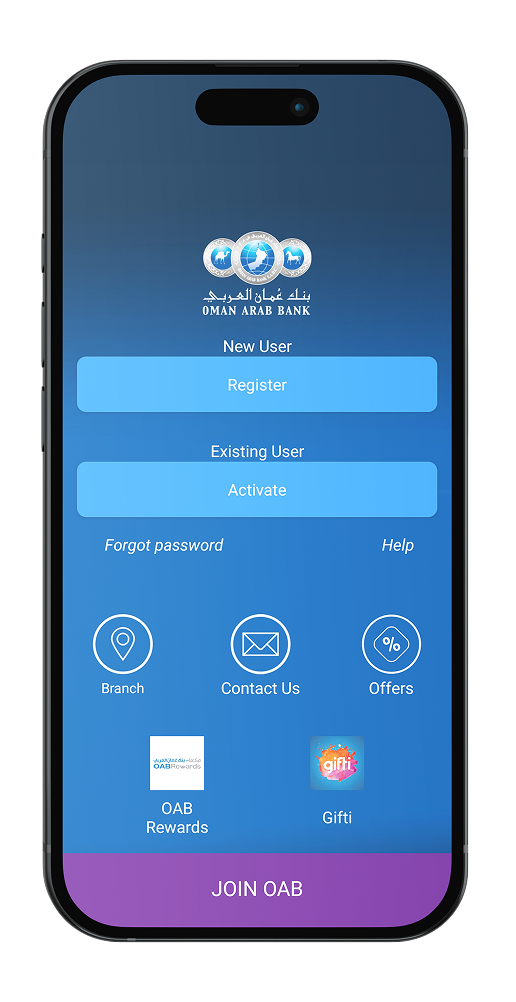
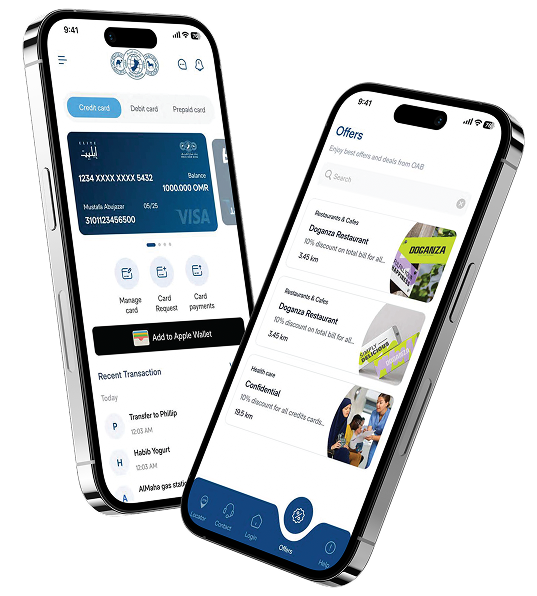
OAB’s Corporate mobile application is a tailored solution developed to meet our corporate and government clients' distinct requirements for managing corporate accounts on the go.
Benefits
Benefits of Corporate / Government Mobile Application
Through the OAB mobile app, you can perform day-to-day banking transactions submit service requests, and much more in a safe and secure manner, 24/7.
- Receive real-time updates of balances and transactions across your corporate accounts.
- Conveniently transfer money between your corporate accounts and international bank accounts.
- Two factor authentication for maximum security including Biometric authentication.
- View and download account statements.
- Dashboard
- On the go approval of WPS, Vendor payments and Bill payments.
App Download
How to Download OAB App?
Step 1
Download the Corporate mobile app (OAB Online Corporate) from App store or Google Play
Step 2
PCM team will share the QR code
Step 3
Scan the QR code and set your PIN
Step 4
User ID and Password remain same as your Corporate Internet Banking.
Step 5
Ready to launch
DOwnload app
Everything you need, in the palm of your hand
- View all your accounts in a glance
- Approve all your transactions on the go.
- Send and receive money instantly
Contact Us
For more information please contact your relationship manager or reach out to us on
- cib.customer.service@oman-arabbank.com
Explore More
You May Also Like
Business Accounts
Discover our range of efficient and flexible corporate accounts to help you manage your finances seamlessly.
Corporate Cards
Explore our range of business debit and corporate credit cards to empower your business with versatile payment options.
Financing Solutions
Discover our customised financing options, from loans to project financing, to meet your business needs.
Tomouhi for SMEs
Explore our tailormade business banking packages for SMEs, designed to support your business every step of the way.
- Business
- Mobile App Banking – Business